
WhatsApp users have the ability to send messages to themselves thanks to one of the app’s features.

Add us to your preferred sources.

Whether it’s taking notes, forwarding a message to yourself, or sending yourself a link, there are a number of useful ways to leverage the feature.
But how do you do it? Here’s everything you need to know about sending messages to yourself on WhatsApp.
How to message yourself on WhatsApp
Messaging yourself on WhatsApp works similarly to starting any other chat on the app. To start a chat with yourself, follow these steps:
- Open WhatsApp in the main Chats tab.
- Tap the new chat icon located in the bottom right of the screen.
- At the top of the contact list, you’ll see your name with the text ” Message yourself ” under it. Select your profile to open a new chat.
- A chat window will open just like a normal chat. Here you can type and send messages to yourself.
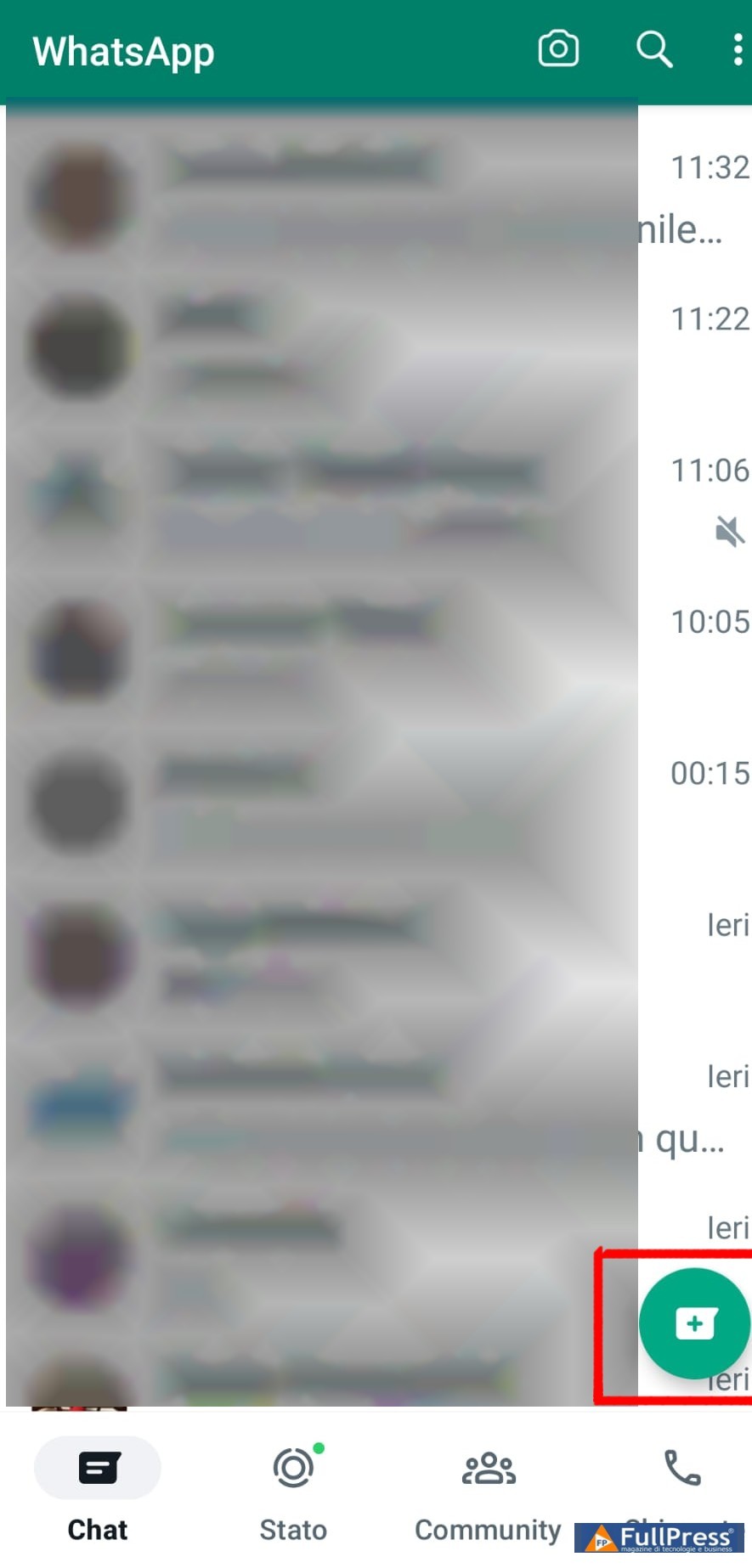
 Once you’ve messaged yourself, the chat will appear like any other ongoing conversation in the chat tab. As with other conversations on WhatsApp, messages are end-to-end encrypted. When you want to forward a message to yourself, share an image, or share a link, your profile will appear in the contact list. Depending on how often you use this feature, your profile will appear in the list of frequent contacts or recent chats.
Next to your name, you’ll also see You in parentheses. This, along with the text Message yourself in the About section, will make it easier to locate your profile. The feature will surely become a useful hidden WhatsApp trick for users to learn.
If you want to keep the chat at the top of your conversation list, you can pin the chat on WhatsApp. This means it will stay at the top regardless of when you last messaged yourself. The ability to message yourself on WhatsApp is useful for saving important notes and information. You can also use it to test your microphone if voice notes aren’t working on WhatsApp.
Messaging yourself on WhatsApp is easy
Messaging yourself on WhatsApp only takes a few steps and works just like other chats. After initiating a chat with yourself, you can use the window to easily take notes and other useful shortcuts.
Pubblicato in Guides & Tutorials, WhatsApp
Be the first to comment